Keeping your Windows computer safe has never been more important. Every day, millions of people browse the internet, download files, shop online, and use social media. While these activities make life easier, they also expose computers to viruses, malware, ransomware, phishing attacks, and other cyber threats. A single malicious file can damage your system, steal personal information, or even lock your important files.
The good news is that you do not always need to spend money to keep your computer protected. Many trusted cybersecurity companies offer free antivirus software that provides excellent protection against common online threats. These free solutions are perfect for students, home users, remote workers, and anyone who wants reliable security without paying for a premium subscription.
In this guide, I will share the best free antivirus software for Windows in 2026, explain their features, discuss their strengths and weaknesses, and help you choose the right antivirus for your needs.
Why You Need Antivirus Software
Many Windows users believe that they are safe as long as they avoid suspicious websites. Unfortunately, cybercriminals use many different methods to infect computers. Fake email attachments, malicious advertisements, infected USB drives, fake software downloads, and phishing websites can all compromise your device.
A good antivirus program protects your computer by scanning files before they open, blocking dangerous websites, detecting malware in real time, and removing threats before they can cause damage.
Even if you are careful online, antivirus software provides an extra layer of protection that can prevent costly mistakes.
1. Microsoft Defender Antivirus
Microsoft Defender is built directly into Windows 10 and Windows 11. Over the last few years, Microsoft has significantly improved its security features, making Defender one of the best free antivirus solutions available.
One of its biggest advantages is that it works immediately after installing Windows. There is no need to download additional software or create an account. It automatically updates through Windows Update and continuously scans your computer for threats.
Microsoft Defender offers real time protection against viruses, spyware, ransomware, and other malware. It also includes firewall protection, cloud based security, and regular security intelligence updates.
Pros
Built into Windows
No installation required
Excellent malware detection
Automatic updates
Minimal impact on system performance
Cons
Advanced features require Microsoft security services
Limited customization compared to some competitors
For many home users, Microsoft Defender provides all the protection they need without spending any money.
2. Avast Free Antivirus
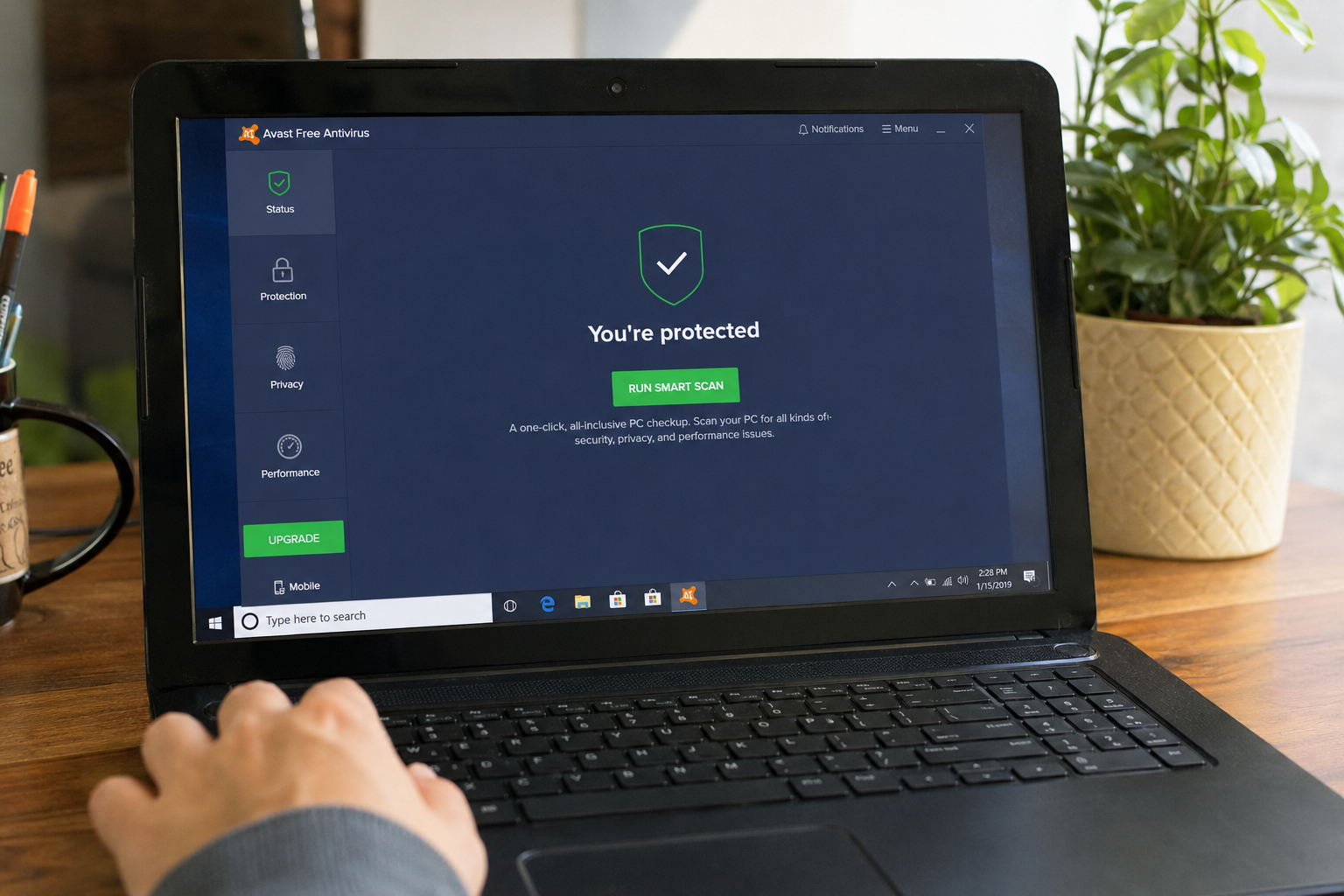
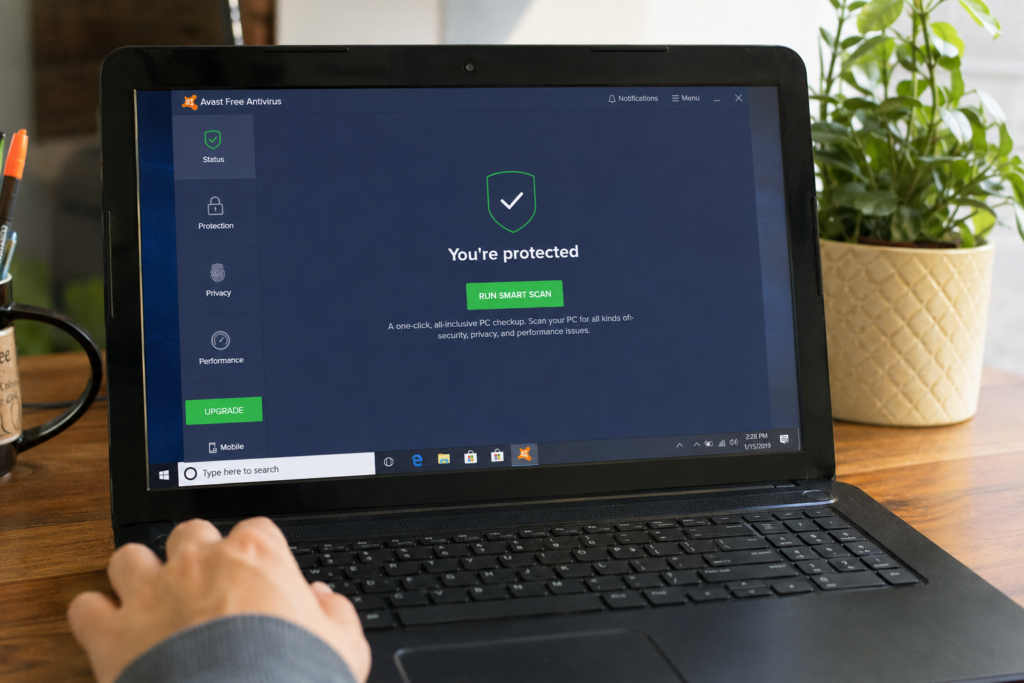
Avast Free Antivirus has been one of the most popular free antivirus programs for many years. It combines strong malware protection with an easy to understand interface, making it suitable for beginners and experienced users alike.
The software offers real time protection that constantly monitors files, downloads, email attachments, and applications. It can quickly detect viruses, spyware, ransomware, and other dangerous software before they affect your computer.
One feature that many users appreciate is the WiFi Security Scanner. This tool checks your home network for weak passwords and security issues that hackers could exploit.
Avast also includes protection against phishing websites that attempt to steal usernames, passwords, and banking information.
Pros
Excellent malware detection
User friendly interface
Real time protection
WiFi network scanner
Regular security updates
Cons
Displays upgrade offers
Some advanced tools require a paid subscription
Despite these limitations, Avast remains one of the strongest free antivirus options available.
3. AVG AntiVirus Free
AVG AntiVirus Free shares the same security engine as Avast because both companies are now part of the same organization. However, AVG has a slightly different interface and appeals to users who prefer a cleaner design.
AVG provides strong protection against viruses, ransomware, spyware, worms, and other malware. It scans files automatically, checks email attachments, and blocks dangerous downloads before they reach your computer.
The software also warns users when visiting suspicious websites or clicking unsafe links, reducing the chances of falling victim to phishing attacks.
One reason many Windows users choose AVG is its balance between security and performance. It delivers strong protection while using relatively few system resources.
Pros
Strong malware protection
Simple interface
Real time scanning
Fast virus definition updates
Low impact on system performance
Cons
Frequent upgrade reminders
Some advanced privacy features require premium plans
If you want reliable antivirus protection with an easy to use interface, AVG is definitely worth considering.
4. Bitdefender Antivirus Free
Bitdefender has earned an excellent reputation in independent antivirus testing laboratories. The free version offers impressive malware detection without overwhelming users with complicated settings.
After installation, Bitdefender quietly works in the background while automatically scanning files and blocking threats. Its cloud based scanning technology helps reduce system load while maintaining excellent detection rates.
One of the biggest advantages of Bitdefender Free is its lightweight design. Even older Windows computers can run it smoothly without noticeable slowdowns.
The software also protects against phishing websites, fraudulent pages, and malicious downloads that could compromise your personal information.
Pros
Outstanding malware detection
Lightweight performance
Automatic protection
Simple interface
Very easy to use
Cons
Fewer customization options
Limited extra features in the free version
For users who prefer a simple antivirus that requires almost no maintenance, Bitdefender Free is an outstanding choice.
5. Avira Free Security
Avira Free Security offers more than traditional antivirus protection. It combines malware detection with several useful tools that improve both security and system performance.
Its antivirus engine detects viruses, ransomware, spyware, and trojans in real time. The software also includes browser safety features that help identify unsafe websites before you visit them.
Another useful feature is the built in software updater. Outdated programs often contain security vulnerabilities that hackers exploit. Avira helps reduce this risk by identifying applications that need updates.
The free version also includes basic privacy tools and performance optimization features that help keep your Windows computer running smoothly.
Pros
Excellent malware detection
Includes software updater
Privacy protection tools
Easy installation
Lightweight performance
Cons
Some extra tools require premium upgrades
Occasional upgrade notifications
Many users appreciate Avira because it combines strong security with useful maintenance features, making it much more than a basic antivirus program.