Introduction
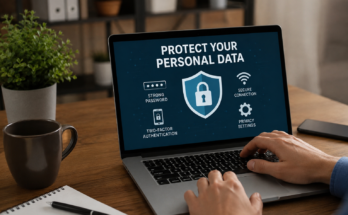
Creating a strong password is one of the easiest and most effective ways to protect your personal information online. Every day, people use passwords to access email accounts, social media profiles, online banking, shopping websites, and work platforms. Unfortunately, weak passwords make it much easier for hackers to gain unauthorized access to these accounts. Once a password is compromised, it can lead to identity theft, financial loss, and privacy issues.
Many users still rely on simple passwords because they are easier to remember. However, cybercriminals use advanced tools that can guess common passwords within seconds. This is why learning how to create strong passwords that stay secure is more important than ever.
In this guide, you will learn what makes a password strong, common mistakes to avoid, and practical tips to keep your online accounts safe.
Why Strong Passwords Matter
Passwords are the first line of defense against cyber attacks. When someone tries to break into your account, the password is often the only thing standing between your personal information and a hacker.
Weak passwords such as “123456,” “password,” or your name can be cracked almost instantly using automated software. Strong passwords, on the other hand, require significantly more time and computing power to break.
A secure password protects your personal data, financial information, private conversations, and digital identity. It also reduces the risk of hackers accessing multiple accounts if one password becomes compromised.
Characteristics of a Strong Password
A strong password should be difficult for others to guess but easy enough for you to remember. Several important factors make a password secure.
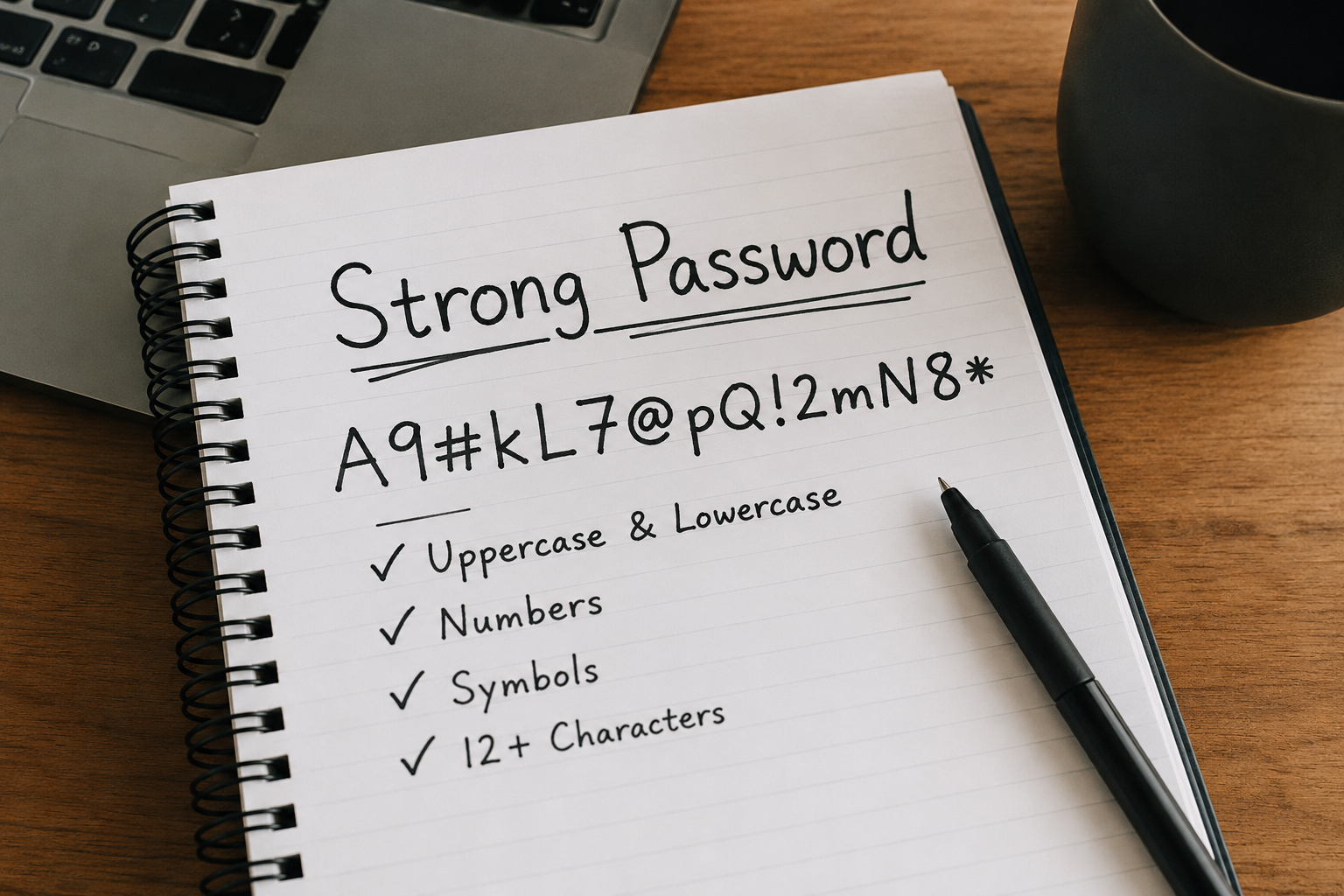
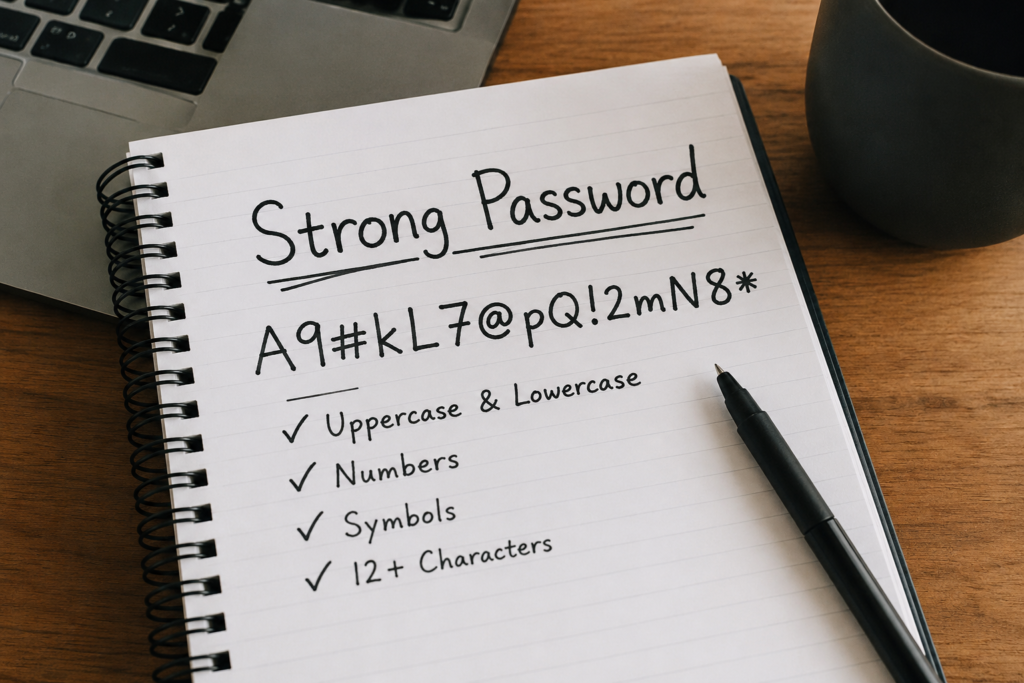
The password should be at least 12 to 16 characters long. Longer passwords are generally much harder to crack than shorter ones.
It should include a combination of uppercase letters, lowercase letters, numbers, and special symbols. Mixing different character types increases the complexity of the password.
Avoid using common words or predictable patterns. Passwords like “Welcome123” or “Password2026” are far too easy for attackers to guess.
Randomness is another key factor. The less predictable your password is, the stronger it becomes.
Use Passphrases Instead of Simple Passwords
One of the easiest ways to create a secure password is by using a passphrase. A passphrase combines several unrelated words into one long and memorable password.
For example, instead of using “Football123,” you could use something like:
CoffeeRiverTigerMoon!84
This type of password is much longer, more random, and harder for attackers to crack while still being easier for you to remember.
You can also create a sentence that only makes sense to you and use the first letter of each word along with numbers and symbols.
Avoid Personal Information
Many people include personal details in their passwords without realizing the risk. Information such as your birthday, phone number, pet’s name, child’s name, or favorite sports team can often be found through social media.
Hackers frequently research victims before attempting to access their accounts. If your password contains publicly available information, it becomes much easier to guess.
Always choose passwords that have no connection to your personal life.
Never Reuse Passwords
One of the biggest password mistakes is using the same password across multiple websites.
Imagine your favorite shopping website suffers a data breach. If you use the same password for your email or online banking, hackers can try that password on other accounts. This method is known as credential stuffing, and it is one of the most common hacking techniques today.
Each online account should have its own unique password. Even if one account is compromised, your other accounts remain protected.
Use a Password Manager
Remembering dozens of unique passwords can be difficult. This is where password managers become extremely useful.
A password manager securely stores all your passwords in an encrypted vault. You only need to remember one strong master password to access the vault.
Most password managers can also generate highly secure random passwords for every account. This makes it much easier to avoid password reuse while maintaining excellent security.
Many password managers also alert you if one of your saved passwords appears in a known data breach.
Enable Two Factor Authentication
A strong password alone is good, but combining it with two factor authentication provides much better protection.
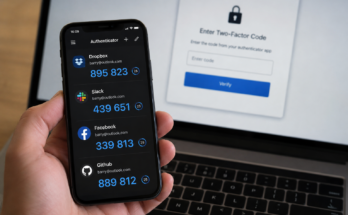
Two factor authentication requires an additional verification step after entering your password. This may include a code sent to your phone, an authentication app, or a security key.
Even if someone manages to steal your password, they still cannot access your account without the second verification method.
Whenever possible, enable two factor authentication for your email, banking, social media, and cloud storage accounts.
Avoid Common Password Mistakes
Many users unknowingly weaken their online security through poor password habits.
Using short passwords is a common mistake because they are easier for automated tools to crack.
Another mistake is replacing letters with simple symbols, such as changing “password” to “P@ssword.” Hackers are aware of these common substitutions and include them in password cracking dictionaries.
Saving passwords in plain text files on your computer is also risky. If malware infects your system, those files can easily be stolen.
Sharing passwords with friends or coworkers should also be avoided unless absolutely necessary and done through secure methods.
How Hackers Crack Passwords
Understanding how hackers attack passwords can help you create stronger ones.
Brute force attacks involve trying millions of possible password combinations until the correct one is found. Short passwords are especially vulnerable to this method.
Dictionary attacks use large databases of common passwords and words. If your password contains simple words or common phrases, it may be cracked quickly.
Credential stuffing uses passwords stolen from previous data breaches. If you reuse passwords across different websites, attackers can gain access to multiple accounts.
Phishing attacks trick users into voluntarily revealing their passwords through fake emails or websites. Always verify website addresses before entering your login information.
Change Passwords When Necessary
You do not need to change your passwords every month if they are already strong and unique.
However, you should immediately update your password if you suspect someone has accessed your account, if a website announces a security breach, or if you accidentally shared your password with someone.
When changing a password, create an entirely new one instead of making small changes like increasing a number from 1 to 2.
Tips for Remembering Strong Passwords
Many people worry that strong passwords are impossible to remember. Fortunately, there are simple techniques that make them easier to manage.
Using a memorable passphrase is one effective method.
A password manager eliminates the need to memorize every password individually.
Avoid writing passwords on sticky notes or leaving them visible near your computer.
If you must keep a backup, store it in a secure location that only you can access.
Secure Your Email First
Your email account deserves special attention because it often acts as the recovery method for other online accounts.
If someone gains access to your email, they may be able to reset passwords for your banking, shopping, and social media accounts.
Use your strongest password for your email account and always enable two factor authentication.
Protecting your email significantly improves your overall online security.
Teach Family Members About Password Safety
Password security is important for everyone, including children and older family members.
Teach them to avoid simple passwords and never share login information with strangers.
Encourage family members to recognize phishing emails and fake login pages.
Helping your family build good password habits reduces the chances of online fraud affecting your household.
The Future of Password Security
Technology continues to evolve, and many companies are introducing passwordless login methods such as fingerprint authentication, facial recognition, and passkeys.
Although these technologies improve convenience and security, passwords remain widely used across millions of websites.
Learning how to create strong passwords that stay secure will continue to be an essential digital skill for years to come.
Conclusion
Creating strong passwords is one of the simplest steps you can take to improve your online security. A long, unique password made with random letters, numbers, and symbols is far more effective than short or predictable combinations. Avoid using personal information, never reuse passwords across different accounts, and enable two factor authentication whenever possible.
By following these best practices, you can greatly reduce the risk of hacking, identity theft, and data breaches. Strong passwords require only a few extra minutes to create, but they can protect your valuable personal information for years. Making password security a daily habit is a smart investment in your digital safety.