Introduction
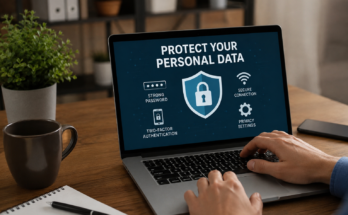
The internet has become a part of our daily lives. We use it for work, education, shopping, banking, entertainment, and staying connected with family and friends. While the internet offers countless benefits, it also comes with risks. Cybercriminals are always looking for ways to steal personal information, spread malware, and trick users into revealing sensitive data. That is why learning how to stay safe while browsing the internet is more important than ever.
Whether you are using a computer, smartphone, or tablet, following a few simple online safety habits can protect your personal information and keep your devices secure. In this guide, you will learn practical and easy tips to browse the internet safely without worrying about online threats.
Why Internet Safety Matters
Many people believe they are not a target for hackers because they are not famous or wealthy. The truth is that cybercriminals target everyone. They use automated attacks to find weak passwords, outdated software, and careless browsing habits.
If your personal information falls into the wrong hands, it can lead to identity theft, financial loss, or even unauthorized access to your online accounts. Taking internet safety seriously helps protect your privacy and gives you peace of mind while using the web.
Use Strong and Unique Passwords
One of the easiest ways to improve your online security is by creating strong passwords. Many people use simple passwords because they are easy to remember, but these passwords are also easy for hackers to guess.
A strong password should include uppercase letters, lowercase letters, numbers, and special characters. It should also be at least twelve characters long. Avoid using personal details like your birthday, phone number, or pet’s name.
It is equally important to use a different password for every account. If one password gets stolen, your other accounts will remain safe. A password manager can help you create and store secure passwords without needing to remember them all.
Enable Two Factor Authentication
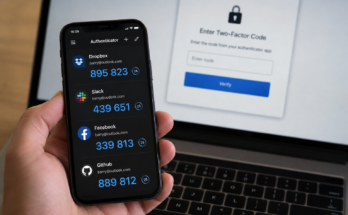
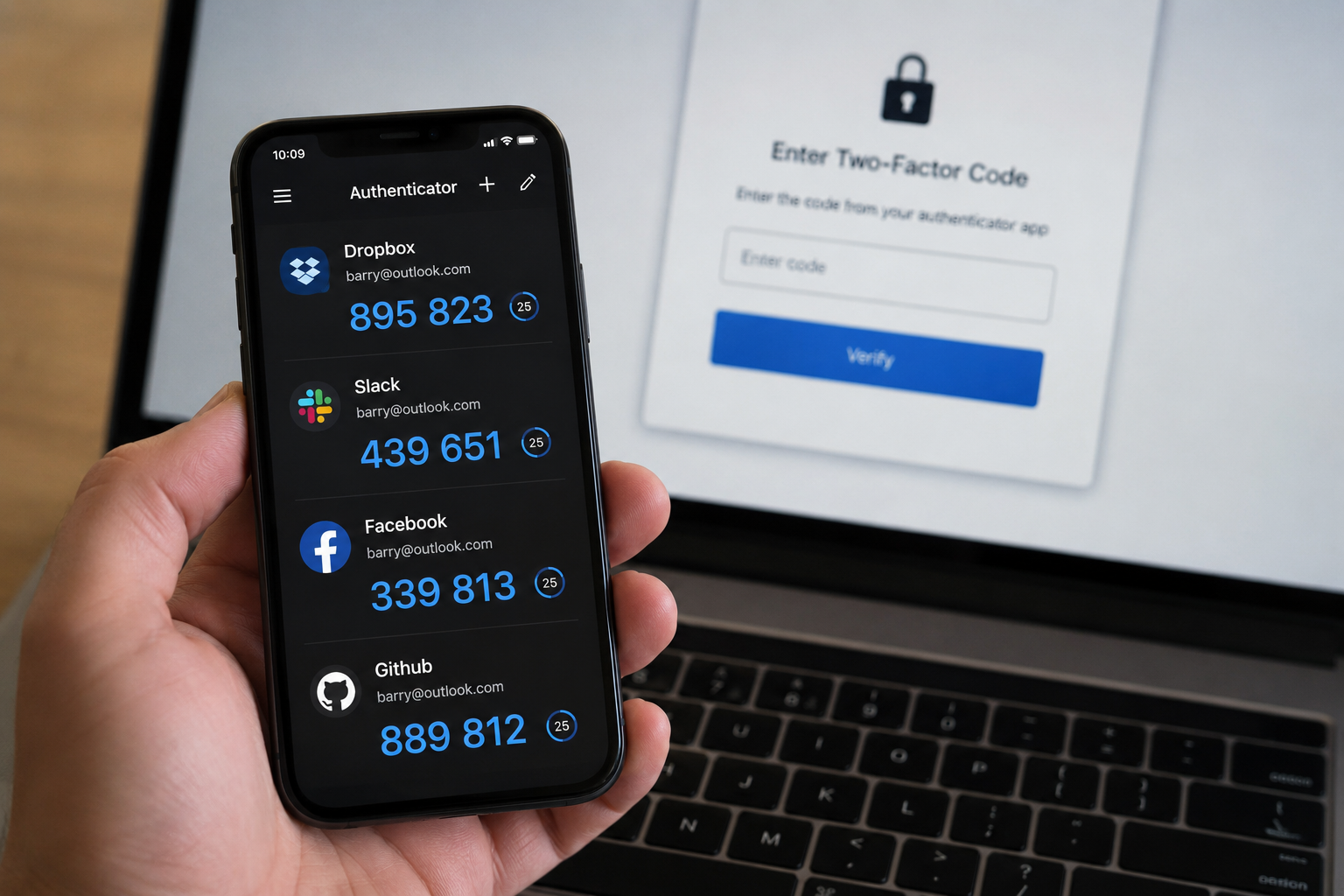
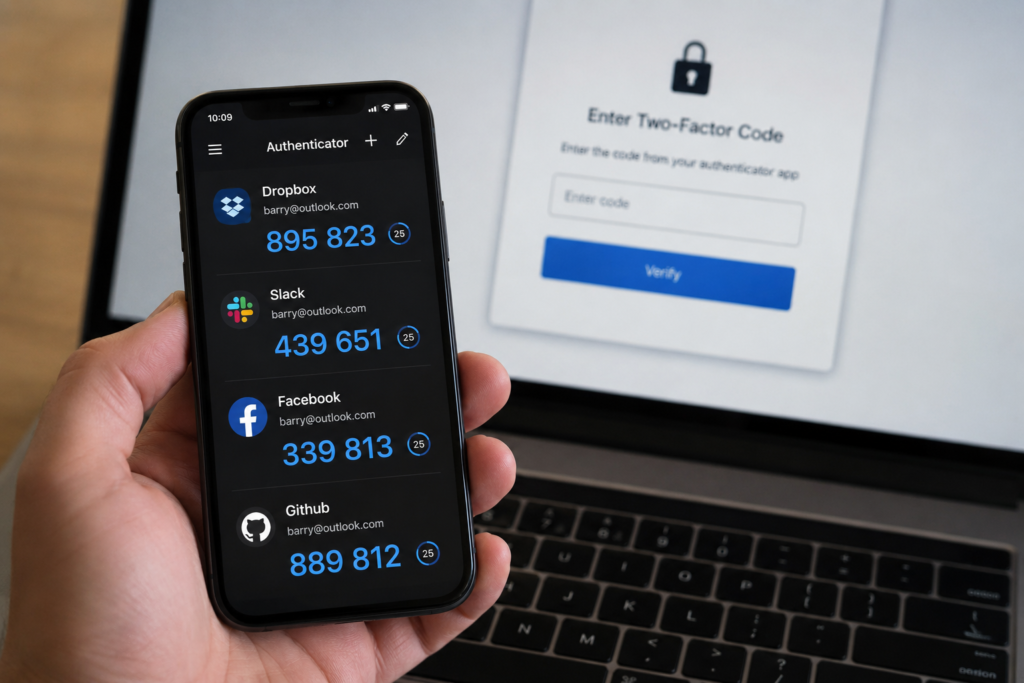
Two factor authentication adds another layer of protection to your online accounts. Even if someone steals your password, they still need a second verification code before they can log in.
Many websites and apps now offer two factor authentication through text messages, email verification, or authentication apps. Enabling this feature significantly reduces the risk of unauthorized account access.
Keep Your Software Updated
Software updates are not just about adding new features. They often include important security patches that fix vulnerabilities hackers could exploit.
Always keep your operating system, browser, antivirus software, and installed applications updated. Enable automatic updates whenever possible so your devices receive security improvements as soon as they become available.
Ignoring updates may leave your device exposed to malware and cyber attacks that have already been fixed by software developers.
Visit Secure Websites
Before entering personal information on any website, check whether the website uses HTTPS instead of HTTP. You can also look for the padlock icon next to the website address.
HTTPS encrypts the connection between your browser and the website, making it much harder for hackers to intercept your data.
While HTTPS does not guarantee a website is completely safe, it does provide an important layer of security during online communication.
Be Careful with Public WiFi
Free public WiFi is convenient, but it is not always secure. Hackers sometimes create fake WiFi networks that look legitimate. Once connected, they may monitor your online activity or steal sensitive information.
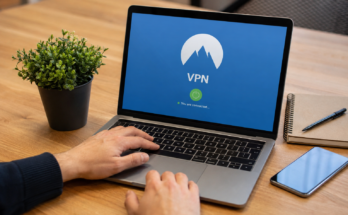
Avoid accessing online banking or shopping websites while connected to public WiFi. If you must use public networks, consider using a trusted Virtual Private Network. A VPN encrypts your internet traffic and helps protect your privacy.
When possible, use your mobile data instead of public WiFi for sensitive tasks.
Think Before You Click
One of the most common ways cybercriminals attack users is through phishing emails and fake links.
If you receive an email claiming your account has a problem or offering an unbelievable deal, do not click links immediately. Check the sender’s email address carefully and verify the information by visiting the company’s official website directly.
Never download attachments from unknown senders, as they may contain viruses or ransomware.
Download Files Only from Trusted Sources
Downloading software, games, movies, or documents from unknown websites can infect your device with malware.
Always download files from official websites, trusted app stores, or reputable software providers. Avoid websites that promise cracked software or free premium content because they often contain hidden malware.
Before installing any file, scan it using your antivirus software for extra protection.
Install Reliable Antivirus Software
A good antivirus program helps detect and remove viruses, spyware, ransomware, and other harmful software.
Modern antivirus software also provides real time protection by monitoring suspicious activity before it can damage your system.
Although antivirus software is helpful, it should never replace safe browsing habits. Think of it as an additional layer of security rather than a complete solution.
Watch Out for Fake Websites
Cybercriminals often create fake websites that look almost identical to real ones. Their goal is to trick visitors into entering usernames, passwords, or payment details.
Before logging into any website, double check the web address carefully. Look for spelling mistakes or unusual domain names.
If something feels suspicious, leave the website immediately and search for the official version through a trusted search engine.
Protect Your Personal Information
Avoid sharing too much personal information online. Information like your home address, phone number, travel plans, or financial details can be used by scammers.
Adjust your privacy settings on social media accounts to limit who can see your posts and personal information.
Think carefully before posting anything online because once information is shared, it may be difficult to remove completely.
Use Secure Online Shopping Practices
Online shopping is convenient, but it requires caution.
Only buy from trusted online stores with positive customer reviews. Make sure the checkout page uses HTTPS before entering payment information.
Avoid making purchases through links received in unsolicited emails or text messages. These links often lead to fake shopping websites designed to steal credit card information.
Using credit cards instead of debit cards may provide better fraud protection in many situations.
Log Out from Shared Devices
If you use a public computer at a library, school, hotel, or internet cafe, always log out of your accounts before leaving.
Never allow the browser to save your passwords on shared devices. Clear your browsing history if necessary, especially after accessing sensitive accounts like email or banking.
Whenever possible, avoid using public computers for financial transactions.
Be Careful with Browser Extensions
Browser extensions can improve your browsing experience, but some extensions collect personal information or display unwanted advertisements.
Only install extensions from trusted developers with positive reviews. Remove extensions you no longer use because outdated extensions may contain security vulnerabilities.
Review extension permissions regularly to ensure they only access information they genuinely need.
Recognize Common Online Scams
Scammers constantly create new ways to trick internet users. Some common scams include fake lottery winnings, investment opportunities, romance scams, technical support scams, and fake delivery notifications.
Be skeptical of messages creating urgency or requesting immediate payment.
If something sounds too good to be true, it probably is.
Taking a few extra minutes to verify information can prevent costly mistakes.
Back Up Your Important Data
Even with the best security practices, unexpected problems can happen.
Regularly back up your important files to an external hard drive or secure cloud storage service. If your device becomes infected with ransomware or suffers hardware failure, you can restore your files without losing valuable information.
Automatic backups make this process much easier and ensure your latest files remain protected.
Teach Your Family About Internet Safety
Internet safety is important for everyone, including children and older family members.
Teach family members how to recognize phishing emails, create strong passwords, and avoid suspicious websites. Encourage children to speak with a trusted adult if they encounter anything unusual online.
Building good online habits together creates a safer digital environment for everyone.
Conclusion
Knowing how to stay safe while browsing the internet is essential in today’s digital world. Cyber threats continue to evolve, but simple security habits can greatly reduce your risk. Using strong passwords, enabling two factor authentication, updating your software, avoiding suspicious links, and protecting your personal information are all effective ways to stay secure online.
Safe browsing is not about avoiding the internet. It is about using it wisely and responsibly. By following the tips shared in this guide, you can enjoy everything the internet has to offer while keeping your personal information, devices, and online accounts protected from cyber threats.