The internet has become a part of our daily lives. We use it for shopping, banking, social media, work, education, and entertainment. While the online world offers countless benefits, it also comes with serious privacy risks. Cybercriminals are constantly looking for ways to steal personal information, including passwords, bank details, email accounts, and identity documents. This is why learning how to protect your personal data online is more important than ever.
Many people believe they will never become a victim of cybercrime. Unfortunately, hackers often target ordinary users because they know many people do not follow basic online security practices. The good news is that protecting your personal information does not require advanced technical knowledge. By following a few simple habits, you can greatly reduce the risk of becoming a victim of data theft.
In this guide, you will learn practical and effective ways to keep your personal information safe while browsing the internet.
Why Personal Data Protection Matters
Personal data includes any information that identifies you. This may include your full name, home address, phone number, email address, banking information, passwords, national ID numbers, medical records, and even your location.
If this information falls into the wrong hands, criminals can use it for identity theft, financial fraud, account hacking, or even blackmail. Recovering from identity theft can take months or even years. Protecting your data today can save you from major problems in the future.
Create Strong and Unique Passwords
One of the easiest ways to protect your personal data online is by using strong passwords. Many people still use weak passwords like “123456,” “password,” or their date of birth. These passwords can be guessed within seconds.
A strong password should include uppercase letters, lowercase letters, numbers, and special characters. It should also be at least twelve characters long.
Never use the same password for multiple accounts. If one account gets hacked, attackers may try the same password on your other accounts.
Password managers are also useful because they can generate complex passwords and store them securely.
Enable Two Factor Authentication
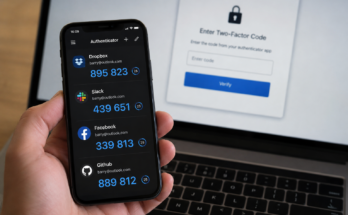
Two factor authentication adds another layer of security to your online accounts. Even if someone steals your password, they still need a second verification method before they can log in.
This second step usually involves entering a code sent to your phone or generated by an authentication app.
Enable two factor authentication for important accounts such as your email, online banking, social media, and cloud storage. This simple step can prevent many hacking attempts.
Keep Your Devices Updated
Software updates do more than add new features. They also fix security vulnerabilities that hackers may exploit.
Whether you use Windows, macOS, Android, or iPhone, always install updates as soon as they become available.
The same applies to web browsers, antivirus software, and mobile apps. Keeping everything updated helps close security gaps before criminals can use them.
Be Careful with Public WiFi
Free public WiFi is convenient, but it can also be risky. Public networks in cafes, airports, hotels, and shopping malls are often not secure.
Hackers may monitor unsecured networks to steal login credentials and personal information.
If you must use public WiFi, avoid accessing online banking or entering sensitive information. Using a trusted Virtual Private Network can encrypt your internet connection and improve your privacy.
Whenever possible, use your mobile data instead of public WiFi for important activities.
Recognize Phishing Scams
Phishing is one of the most common online scams. Criminals send fake emails, text messages, or websites that appear to come from trusted companies.
Their goal is to trick you into entering your passwords, banking information, or personal details.
Always check the sender’s email address carefully. Avoid clicking suspicious links or downloading unexpected attachments.
If you receive a message claiming your account has a problem, visit the company’s official website directly instead of clicking the provided link.
Limit the Personal Information You Share
Many people unknowingly share too much personal information online.
Posting your birthday, home address, phone number, travel plans, or workplace can give cybercriminals valuable information.
Review your social media profiles and remove unnecessary personal details.
Think carefully before posting photos that reveal sensitive information such as boarding passes, driver’s licenses, passports, or financial documents.
The less personal information available online, the harder it becomes for criminals to target you.
Use Trusted Websites Only
Before entering personal information on a website, make sure it is secure.
Check whether the website uses HTTPS instead of HTTP. The padlock icon in your browser indicates that the connection is encrypted.
Be cautious when shopping on unfamiliar websites. Read customer reviews and verify the site’s reputation before making purchases.
Avoid downloading files or software from unknown websites because they may contain malware.
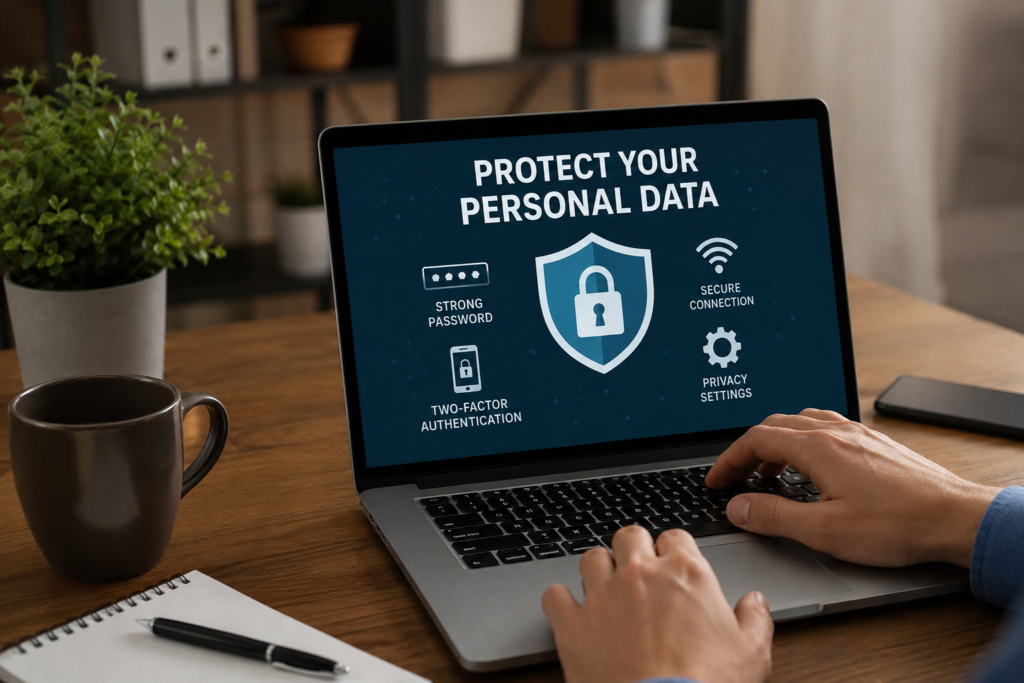
Install Reliable Antivirus Software
Antivirus software helps detect and remove viruses, ransomware, spyware, and other harmful programs.
Choose a trusted antivirus solution and keep it updated regularly.
Run full system scans from time to time to identify hidden threats before they cause damage.
While antivirus software provides strong protection, it should always be combined with safe browsing habits.
Manage App Permissions Carefully
Many mobile apps request access to your camera, microphone, contacts, photos, and location.
Some permissions are necessary, while others are not.
Before installing an app, review the permissions it requests.
If a flashlight app wants access to your contacts or microphone, that should raise concerns.
Regularly check your device settings and disable permissions that apps no longer need.
Secure Your Home WiFi Network
Your home internet connection should also be protected.
Change the default router password immediately after installation.
Use strong WiFi encryption, preferably WPA3 or WPA2 if WPA3 is unavailable.
Create a unique WiFi password that is difficult to guess.
Regularly update your router’s firmware because manufacturers often release security updates.
Backup Important Data
Even with strong security measures, unexpected problems can still happen.
Hardware failures, ransomware attacks, accidental deletion, or theft can result in data loss.
Create regular backups of your important files.
Store backups on an external hard drive or a trusted cloud storage service.
Having backups ensures you can recover your valuable information if something goes wrong.
Watch for Suspicious Account Activity
Regularly review your online accounts for unusual activity.
Check login history, recent purchases, bank transactions, and connected devices.
If you notice anything suspicious, change your password immediately and enable additional security measures.
Many online services allow you to receive login alerts whenever someone signs into your account from a new device.
These notifications help you respond quickly to unauthorized access.
Protect Your Email Account
Your email account is often connected to nearly every online service you use.
If someone gains access to your email, they may be able to reset passwords for your other accounts.
Use a strong password and enable two factor authentication for your email account.
Avoid opening attachments from unknown senders.
Delete phishing emails immediately and report them whenever possible.
Use Secure Payment Methods
When shopping online, always choose secure payment methods.
Credit cards generally provide better fraud protection than debit cards.
Digital payment services can also help protect your financial information by reducing the need to share your card details directly with merchants.
Never save payment information on unfamiliar websites.
Monitor your bank statements regularly to detect unauthorized transactions.
Delete Unused Accounts
Old online accounts can become security risks.
Many people have accounts on websites they no longer use.
These inactive accounts may contain personal information that could be exposed during a data breach.
Delete accounts you no longer need.
Before deleting an account, remove any saved payment methods and personal information whenever possible.
Educate Yourself About Online Security
Cybersecurity threats continue to evolve every year.
Learning about new scams and online threats helps you stay one step ahead of criminals.
Follow trusted cybersecurity blogs, technology websites, or official government security resources.
The more informed you are, the better prepared you will be to recognize and avoid online risks.
Conclusion
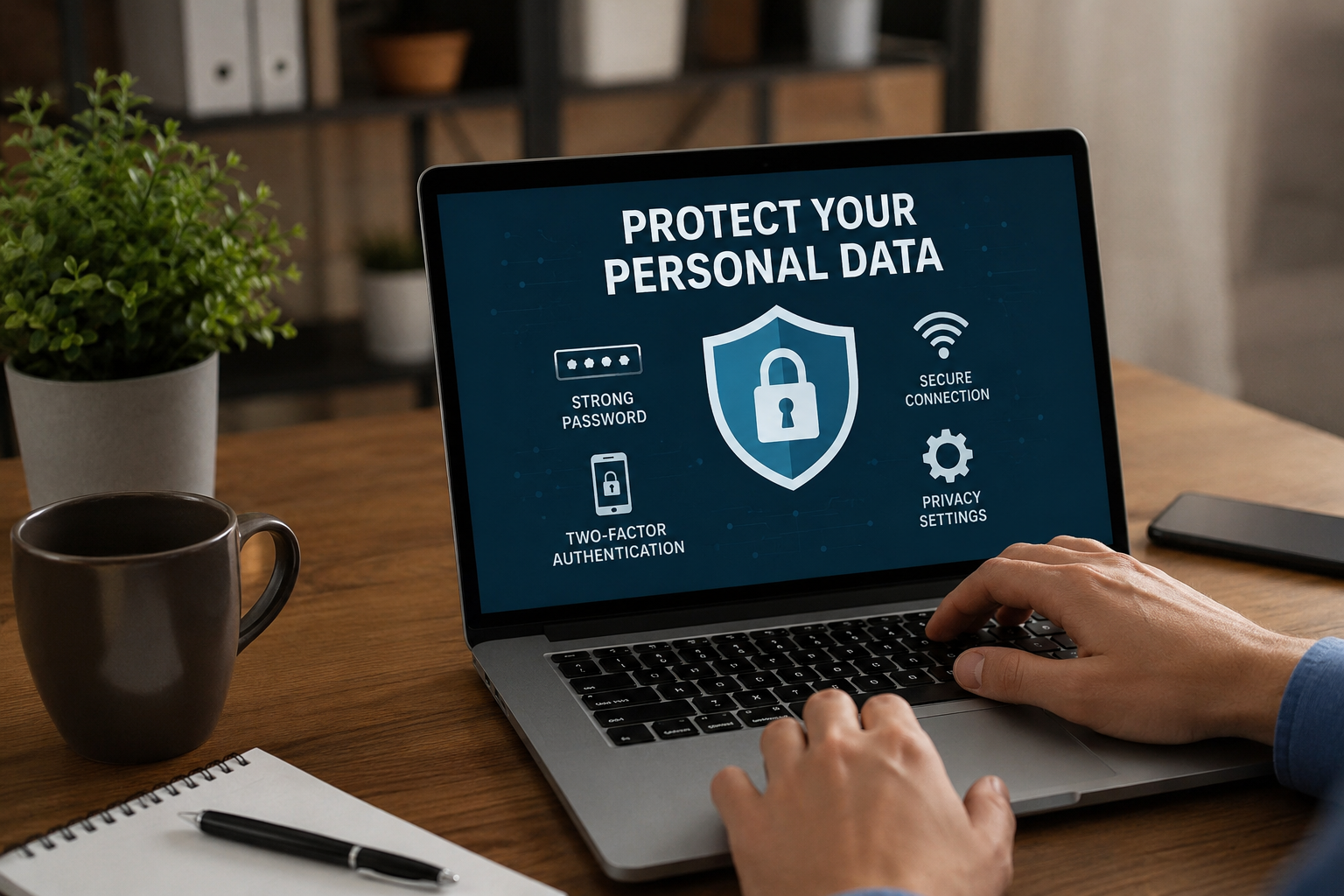
Protecting your personal data online is not difficult, but it does require consistent habits. Strong passwords, two factor authentication, software updates, secure WiFi, careful browsing, and awareness of phishing scams all work together to keep your information safe. Small actions taken today can prevent serious problems tomorrow.
As cyber threats continue to grow, every internet user should make online privacy a priority. By following the tips in this guide, you can browse the web with greater confidence, protect your personal information, and reduce the chances of becoming a victim of cybercrime. Staying informed and practicing good online security habits is the best way to enjoy the internet while keeping your personal data protected.