Introduction
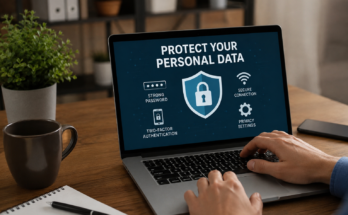
In today’s digital world, protecting your online accounts is more important than ever. Every day, hackers try to steal passwords, personal information, banking details, and social media accounts. Many people still believe that using a strong password is enough to stay safe online. While a strong password is an important first step, it is no longer enough to protect your sensitive information from modern cyber threats.
This is where Two Factor Authentication becomes essential. Two Factor Authentication, often called 2FA, adds an extra layer of security that makes it much harder for hackers to access your accounts. Even if someone manages to steal your password, they still cannot log in without the second verification step.
In this guide, you will learn what is Two Factor Authentication, how it works, why it matters, its benefits, different types of authentication methods, and how you can enable it on your online accounts.
What Is Two Factor Authentication?
Two Factor Authentication is a security feature that requires users to verify their identity using two different methods before accessing an account.
Normally, you only need a username and password to log in. This is called single factor authentication because it relies on only one factor, which is your password.
With Two Factor Authentication, after entering your password, you must complete one additional verification step. This second step proves that you are the real owner of the account.
For example, after entering your password, you may receive a six digit verification code on your phone. You must enter that code before you can log in successfully.
This extra security layer significantly reduces the chances of unauthorized access.
How Does Two Factor Authentication Work?
The process is simple and takes only a few seconds.
First, you enter your username and password as usual.
Next, the website or application asks for a second form of verification.
This second verification could be a code sent to your mobile phone, an authentication app, a fingerprint scan, or a security key.
Once both verification steps are completed successfully, access is granted.
If someone steals your password but does not have access to your phone or authentication device, they cannot log in.
That is why Two Factor Authentication is considered one of the most effective cybersecurity practices available today.
The Three Authentication Factors
Authentication methods generally fall into three categories.
Something You Know
This includes information only you should know.
Examples include:
Password
PIN
Security questions
Something You Have
This refers to a physical item you own.
Examples include:
Mobile phone
Authentication app
Hardware security key
Smart card
Something You Are
This involves biometric verification.
Examples include:
Fingerprint
Face recognition
Voice recognition
Eye scan
Two Factor Authentication combines two of these categories to create stronger security.
Why Two Factor Authentication Matters
Many people use the same password across multiple websites. If one website experiences a data breach, hackers often try those passwords on other accounts.
Without Two Factor Authentication, anyone with your password can access your account immediately.
With 2FA enabled, hackers still need your second verification method, making unauthorized access much more difficult.
This extra step protects your online identity, financial information, and personal data.
As cybercrime continues to increase worldwide, using Two Factor Authentication is no longer optional. It has become an essential part of online security.
Benefits of Two Factor Authentication
Stronger Account Protection
The biggest advantage of Two Factor Authentication is improved security.
Even if your password is stolen through phishing, malware, or a data breach, your account remains protected by the second verification step.
Reduces Identity Theft
Cybercriminals often steal login credentials to impersonate users.
By requiring additional verification, Two Factor Authentication helps prevent identity theft and account hijacking.
Protects Financial Accounts
Online banking and payment platforms contain sensitive financial information.
Enabling 2FA adds another layer of protection against unauthorized transactions.
Secures Business Data
Many companies require employees to use Two Factor Authentication for work accounts.
This helps protect confidential files, customer information, and internal systems from cyber attacks.
Peace of Mind
Knowing that your accounts have an extra security layer allows you to browse, shop, and communicate online with greater confidence.
Common Types of Two Factor Authentication
There are several ways websites verify your identity after entering your password.
SMS Verification Codes
A one time code is sent to your mobile phone through text message.
You enter the code to complete the login process.
Although this method is widely used, it is not considered the most secure because attackers may attempt SIM swapping.
Authentication Apps
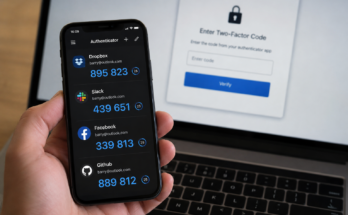
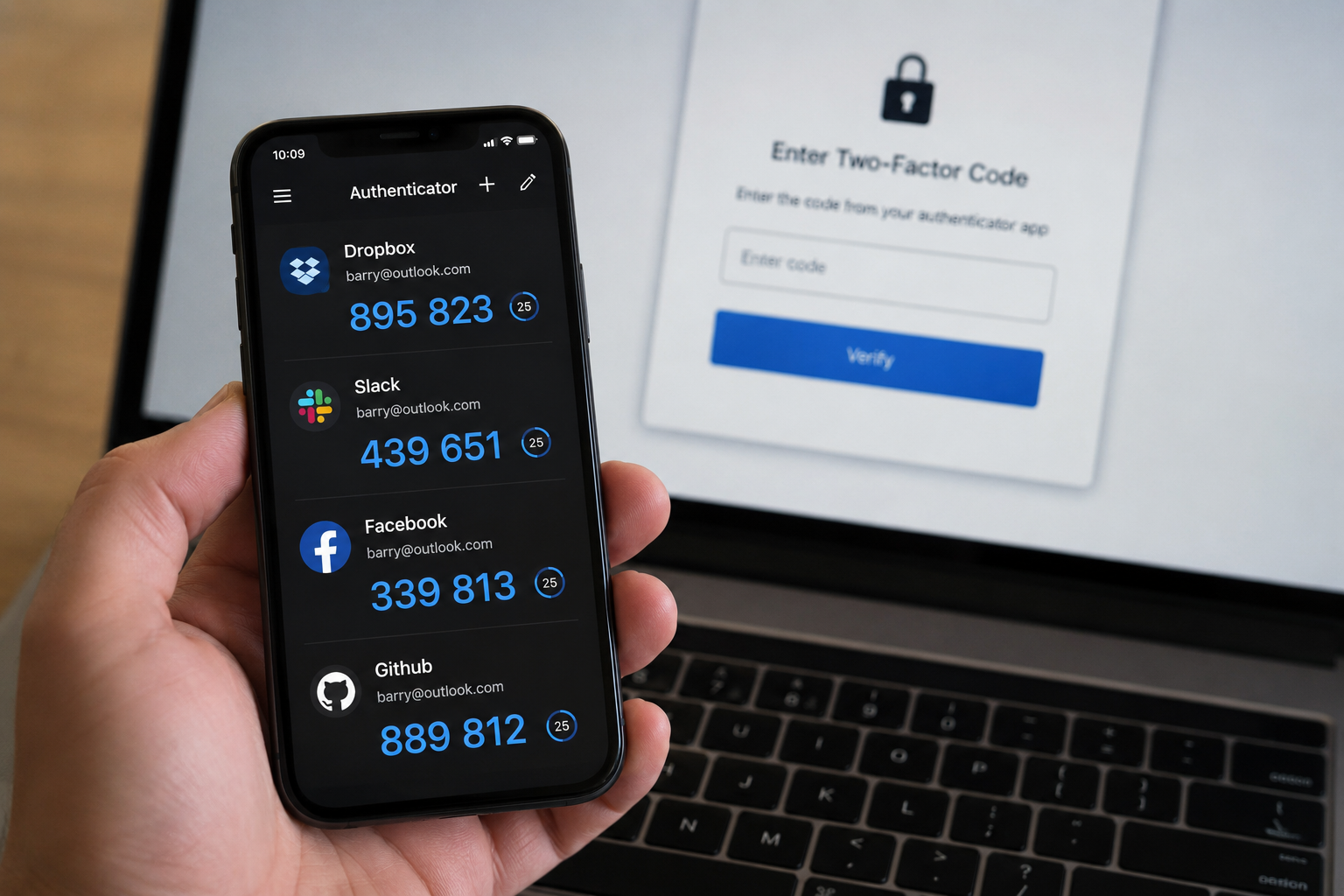
Apps like Google Authenticator and Microsoft Authenticator generate temporary verification codes every few seconds.
These apps provide stronger security than SMS messages because the codes stay on your device.
Push Notifications
Some services send a notification directly to your smartphone.
You simply tap “Approve” to verify your identity.
This method is both secure and convenient.
Security Keys
Hardware security keys connect through USB or NFC.
These physical devices provide one of the highest levels of account protection and are recommended for users with highly sensitive information.
Biometric Authentication
Many smartphones and laptops allow fingerprint or facial recognition.
Biometric verification is fast, convenient, and difficult for attackers to copy.
Is Two Factor Authentication Safe?
Yes.
Two Factor Authentication greatly improves account security.
However, no security system is completely perfect.
Users should still follow good cybersecurity habits.
Create unique passwords.
Avoid clicking suspicious links.
Keep your devices updated.
Never share verification codes with anyone.
Using strong passwords together with Two Factor Authentication creates much stronger protection than using passwords alone.
Accounts That Should Always Use Two Factor Authentication
Some online accounts contain valuable information and should always have 2FA enabled.
These include:
Email accounts
Online banking
Social media accounts
Cloud storage
Shopping websites
Cryptocurrency wallets
Business accounts
Password managers
Gaming accounts
Protecting these accounts helps reduce the risk of financial loss and identity theft.
How to Enable Two Factor Authentication
Most websites make enabling Two Factor Authentication simple.
Log into your account.
Open the account settings.
Find the Security section.
Select Two Factor Authentication.
Choose your preferred verification method.
Complete the setup instructions.
Save your backup recovery codes in a safe place.
Once enabled, every future login will require your password along with the second verification method.
Common Mistakes to Avoid
Many users accidentally weaken their account security by making avoidable mistakes.
Never ignore security notifications.
Do not store recovery codes in an unsafe location.
Avoid sharing verification codes with anyone.
Do not disable Two Factor Authentication because it seems inconvenient.
Always keep your phone number and authentication app updated.
If you change your phone, transfer your authentication settings before resetting the old device.
Two Factor Authentication vs Multi Factor Authentication
People often confuse Two Factor Authentication with Multi Factor Authentication.
Two Factor Authentication uses exactly two verification methods.
Multi Factor Authentication uses two or more verification methods.
For example, entering a password, scanning a fingerprint, and inserting a security key would be Multi Factor Authentication.
Both offer stronger security than passwords alone, but Multi Factor Authentication provides even greater protection for highly sensitive accounts.
Who Should Use Two Factor Authentication?
The simple answer is everyone.
Students use online learning platforms.
Professionals access work accounts.
Business owners manage customer information.
Families use online banking and shopping websites.
Content creators protect social media profiles.
Gamers secure valuable gaming accounts.
No matter your age or profession, enabling Two Factor Authentication helps protect your digital life.
The Future of Online Security
Cybersecurity continues to evolve every year.
Many technology companies are introducing passwordless authentication using passkeys, biometrics, and hardware security devices.
Even as these new technologies become more common, Two Factor Authentication remains one of the most effective ways to protect online accounts today.
Experts expect more websites and applications to require stronger authentication methods in the coming years as cyber threats continue to grow.
Final Thoughts
Understanding what is Two Factor Authentication is one of the most important steps you can take toward improving your online security. Passwords alone are no longer enough to defend against phishing attacks, data breaches, and cybercriminals. By adding a second verification step, Two Factor Authentication makes it much more difficult for unauthorized users to access your accounts.
Whether you are protecting your email, bank account, social media profile, or business data, enabling 2FA is a simple action that provides significant security benefits. It takes only a few minutes to set up but can prevent serious problems in the future.
If you value your privacy and want to keep your personal information safe, make Two Factor Authentication a standard part of your online security. It is one of the easiest and most effective ways to protect yourself in today’s connected world.