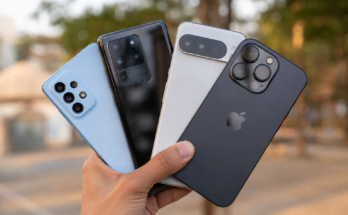
Smartphones have become an important part of our daily lives. We use them for communication, work, entertainment, online shopping, banking, and much more. When a phone starts acting strangely, it can become frustrating very quickly. The good news is that many common smartphone problems can be fixed without visiting a repair shop or spending money on a new device.
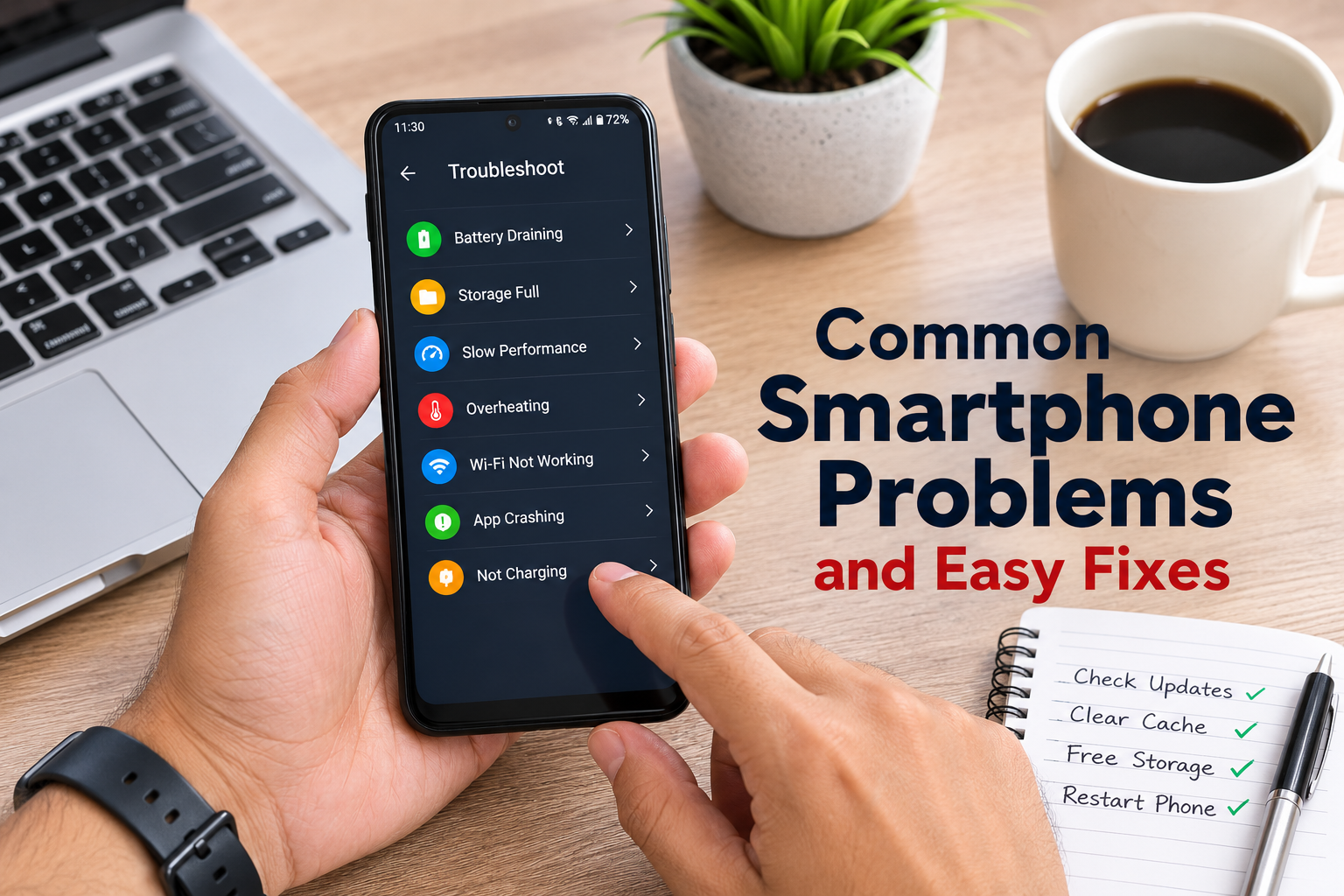
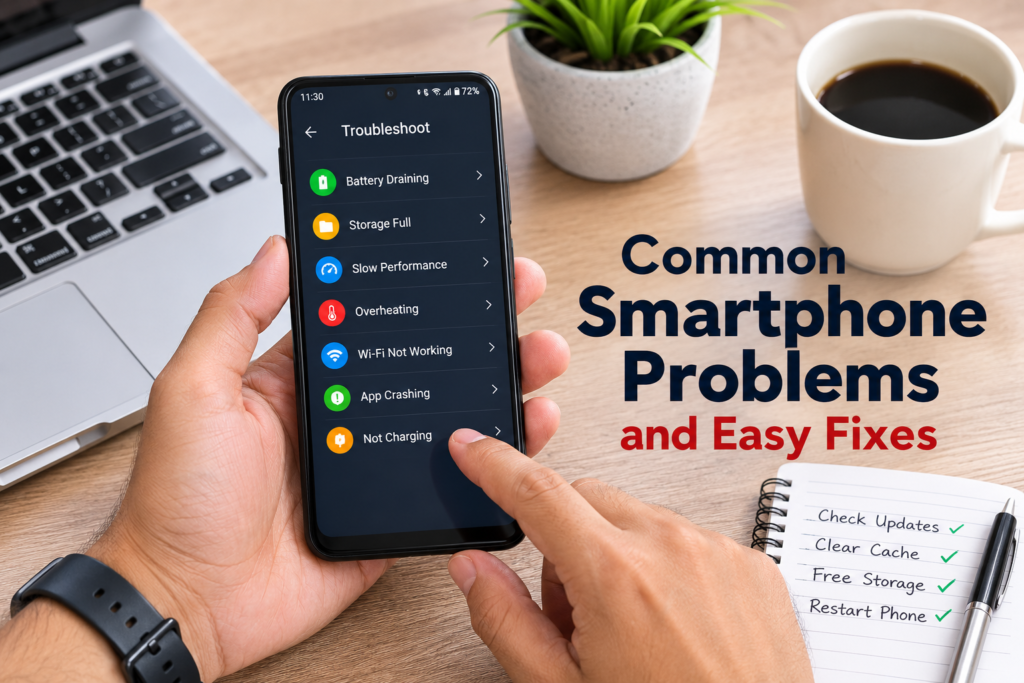
In this guide, I will explain the most common smartphone problems and easy fixes that anyone can try at home. Whether you use an Android phone or an iPhone, these simple solutions can help improve your device’s performance and extend its lifespan.
Why Smartphones Develop Problems
Before looking at the fixes, it is helpful to understand why smartphones slow down or stop working properly. Most issues happen because of software bugs, outdated apps, low storage space, battery wear, accidental drops, or too many background processes. Sometimes, a simple restart is enough to solve the problem.
Regular maintenance also plays a big role. Just like a computer, your smartphone performs better when it is kept clean, updated, and organized.
Slow Smartphone Performance
One of the most common smartphone problems is slow performance. If your phone takes too long to open apps or responds slowly, there are several possible reasons.
The first thing I recommend is restarting the phone. Many people keep their phones running for weeks without turning them off. A restart clears temporary files and refreshes the system.
Another effective solution is deleting apps you no longer use. Every installed application uses storage and system resources. Keeping only the apps you actually need helps improve speed.
You should also clear app cache regularly. Cached files are useful, but over time they can become large and slow down your device.
Updating your operating system and apps is another important step. Developers release updates that fix bugs and improve performance.
Battery Drains Too Fast
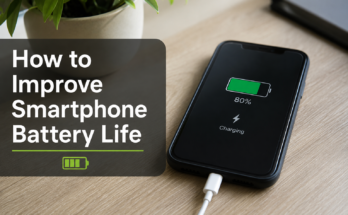
Fast battery drain is another issue many smartphone users experience. If your battery seems to lose power quickly, the problem may not be the battery itself.
Start by lowering your screen brightness. The display is one of the biggest battery consumers.
Turn off Bluetooth, GPS, and Wi Fi when you are not using them. These features continue searching for connections and consume power.
Check your battery usage settings to see which apps are using the most energy. Some apps keep running in the background even when you are not actively using them.
Enabling battery saver mode can also help your phone last much longer during the day.
If your smartphone is several years old and none of these solutions work, the battery may simply need replacement.
Phone Overheating
Many users worry when their phone becomes hot. In most cases, occasional heating is normal during gaming, charging, or using the camera for a long time.
However, excessive heat should not be ignored.
Remove your phone case while charging if it traps heat.
Avoid using your phone under direct sunlight for extended periods.
Close unnecessary apps running in the background.
Avoid charging your phone while playing heavy games.
Using an original or certified charger also helps prevent overheating problems.
Storage Full Warning
Running out of storage affects your smartphone in many ways. It can slow down performance, prevent app updates, and stop your camera from saving photos.
Delete duplicate photos and videos regularly.
Move important files to cloud storage or your computer.
Remove downloaded files that you no longer need.
Uninstall apps you rarely use.
Many smartphones also include a built in storage cleaner that helps remove unnecessary files safely.
Keeping at least ten to twenty percent of your storage free helps maintain smooth performance.
Apps Keep Crashing
Sometimes an app suddenly closes every time you open it. This can be annoying, especially if it is an app you use daily.
First, restart your phone.
Check if the app has an available update.
Clear the app cache and data if necessary.
If the problem continues, uninstall the app and install it again.
Sometimes app crashes happen because the software version is outdated. Updating your operating system usually fixes compatibility issues.
Phone Not Charging Properly
If your smartphone refuses to charge, do not panic immediately.
Start by checking the charging cable for damage.
Inspect the charging port carefully. Dust and pocket lint often collect inside the port and prevent proper charging.
Clean the charging port gently using a wooden toothpick or a soft brush. Never use metal objects.
Try another charger to determine whether the problem is with the charger or the phone.
If wireless charging is available, test that as well.
If none of these solutions work, the charging port or battery may require professional repair.
Weak Wi Fi Connection
A slow or unstable Wi Fi connection is another common smartphone problem.
Restart your router before assuming the phone is faulty.
Forget the Wi Fi network and reconnect by entering the password again.
Move closer to the router if the signal is weak.
Update your phone software because network improvements are often included in updates.
If multiple devices experience the same problem, the issue is likely with your internet connection rather than your smartphone.
Bluetooth Not Connecting
Bluetooth problems usually have simple solutions.
Turn Bluetooth off and then back on.
Restart both devices.
Remove the paired device and connect again.
Make sure both devices are within the recommended range.
Also check whether another device is already connected, as some accessories allow only one active connection at a time.
Touchscreen Not Responding
A frozen or unresponsive touchscreen can happen because of software issues or physical damage.
Restart the phone using the power button.
Remove your screen protector if it is damaged or too thick.
Clean the screen with a soft microfiber cloth.
If the screen only stops responding after opening a certain app, that app is probably causing the issue.
Persistent touchscreen problems after a drop may indicate hardware damage that requires repair.
Camera Quality Looks Poor
If your smartphone camera suddenly produces blurry photos, try cleaning the camera lens first.
Fingerprints and dust often reduce image quality.
Check whether camera settings have changed accidentally.
Update the camera app if an update is available.
Restart the phone before taking more pictures.
If the camera continues to struggle with focusing, the camera module may have developed a hardware issue.
Speaker Sound Is Too Low
Low speaker volume does not always mean the speaker is broken.
Clean the speaker grille carefully using a soft brush.
Increase media volume instead of only ringtone volume.
Turn off Bluetooth to make sure audio is not being sent to another device.
Restart the phone after cleaning the speaker.
Water damage can also reduce sound quality, so allow the phone to dry completely if it recently became wet.
Fingerprint Sensor Not Working
Fingerprint sensors sometimes stop recognizing fingerprints.
Wash and dry your hands before unlocking the phone.
Clean the fingerprint sensor gently.
Delete the saved fingerprint and register it again.
Software updates often improve fingerprint recognition accuracy, so keep your device updated.
Phone Keeps Restarting
Random restarts are usually caused by software conflicts or battery problems.
Remove recently installed apps if the issue started after installing them.
Update the operating system.
Free up storage space.
If the battery is old and unstable, replacing it may solve the problem.
A factory reset can also help, but always back up important data before performing one.
No Sound During Calls
If you cannot hear people during calls, first increase the call volume using the side buttons.
Restart the phone.
Test the speaker by playing music.
Disable Bluetooth to ensure the call audio is not being routed elsewhere.
If the issue affects only one calling app, update or reinstall that application.
How to Keep Your Smartphone Running Smoothly
Preventing problems is easier than fixing them. I always recommend following a few simple habits.
Keep your software updated.
Avoid installing unnecessary apps.
Restart your phone every few days.
Charge your battery properly instead of letting it reach zero regularly.
Use a quality protective case and tempered glass.
Back up important photos and files frequently.
Clean your charging port and speakers carefully every few months.
These small habits can significantly improve your smartphone’s performance and lifespan.
When You Should Visit a Repair Center
While many issues can be fixed at home, some problems require professional assistance.
Visit a repair center if your phone has severe water damage, a cracked display that affects touch response, battery swelling, charging port failure, or internal hardware damage after a major fall.
Trying to repair complex hardware yourself can often make the problem worse.
Final Thoughts
Every smartphone develops small problems over time, but that does not mean you need to replace it immediately. Most common smartphone problems have simple solutions that take only a few minutes to try. Restarting the device, updating the software, clearing storage, cleaning the charging port, and managing background apps can solve many everyday issues.
By taking good care of your smartphone and performing regular maintenance, you can enjoy better performance, longer battery life, and fewer unexpected problems. Before spending money on repairs or buying a new phone, try these easy fixes first. In many cases, they are all you need to get your smartphone working like new again.