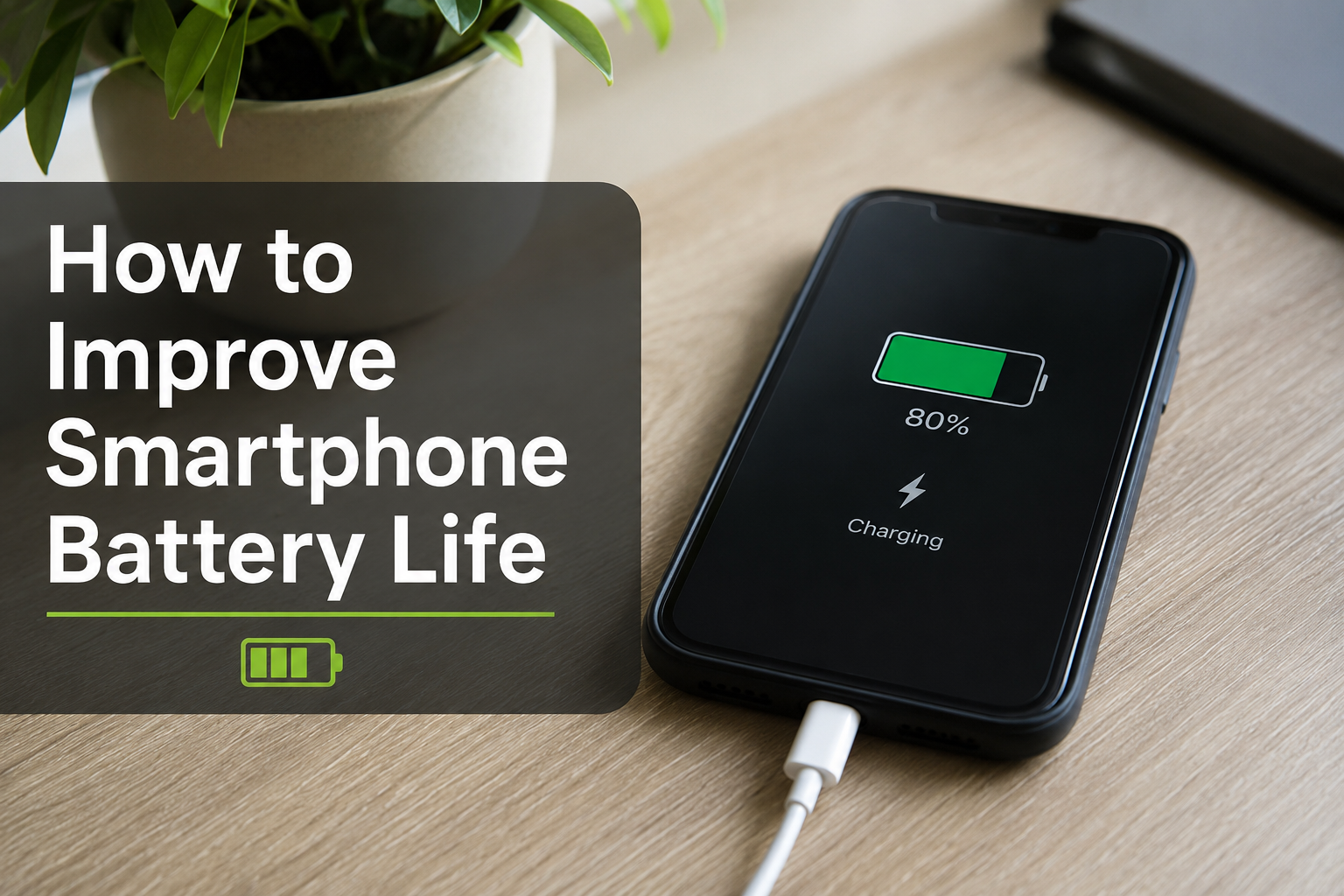
If you have ever wondered how to improve smartphone battery life, you are not alone. Almost everyone relies on their phone throughout the day for calls, social media, work, entertainment, and navigation. A battery that drains too quickly can be frustrating, especially when you are away from a charger.
The good news is that you do not need to buy a new phone every year to enjoy better battery performance. A few smart habits and simple settings can significantly extend your battery life. In this guide, I will share practical tips that I personally find useful for keeping a smartphone running longer on a single charge.
Why Smartphone Battery Life Matters
Modern smartphones are more powerful than ever. They have brighter displays, faster processors, advanced cameras, and 5G connectivity. While these features improve the user experience, they also consume more power.
Learning how to improve smartphone battery life not only helps you get through the day without charging but also extends the overall lifespan of your battery. A healthy battery means your phone stays reliable for years.
Lower Your Screen Brightness
The display is one of the biggest battery consumers on any smartphone.
Instead of keeping the brightness at maximum, lower it to a comfortable level. Most smartphones also include Adaptive Brightness, which automatically adjusts the screen based on surrounding light.
Reducing brightness by even a small amount can noticeably improve battery life throughout the day.
Reduce Screen Timeout
Many people forget about screen timeout settings. If your phone stays awake for one or two minutes after every use, it wastes a surprising amount of battery.
Set your screen timeout to around 30 seconds. This simple adjustment prevents unnecessary power consumption without affecting daily use.
Turn On Battery Saver Mode
Every Android and iPhone now includes a built in battery saving feature.
Battery Saver or Low Power Mode reduces background activities, limits visual effects, and slows certain processes to preserve battery.
I usually turn it on whenever my battery drops below 30 percent. It often gives me several extra hours of usage.
Close Apps That Constantly Run in the Background
Some applications continue working even after you stop using them.
Social media apps, navigation apps, and streaming services frequently refresh in the background, consuming battery and internet data.
Go through your app settings and disable unnecessary background activity for apps that do not need constant updates.
Keep Software Updated
Many users ignore software updates because they think updates only introduce new features.
In reality, manufacturers regularly optimize battery performance and fix bugs through software updates.
Keeping your phone updated ensures better power management and improved battery efficiency.
Avoid Extreme Temperatures
Heat is one of the biggest enemies of smartphone batteries.
Leaving your phone inside a hot car or exposing it to direct sunlight can permanently reduce battery health.
Similarly, extremely cold temperatures temporarily decrease battery performance.
Try to keep your phone at normal room temperature whenever possible.
Use Dark Mode
If your smartphone has an OLED or AMOLED display, Dark Mode can help reduce battery consumption.
Dark pixels require less power than bright white backgrounds because each pixel produces its own light.
Using Dark Mode in supported apps can slightly improve battery life, especially during long periods of screen usage.
Disable Unused Features
Many phone features continue searching for connections even when you are not using them.
Turn off features like:
WiFi when you are outside
Bluetooth when no device is connected
GPS when location services are unnecessary
Mobile hotspot after use
NFC if you rarely make contactless payments
Disabling unused wireless connections reduces battery drain throughout the day.
Limit Push Notifications
Every notification wakes your screen and activates your processor.
If dozens of apps constantly send notifications, your battery drains faster than expected.
Review your notification settings and disable alerts for apps that are not important.
You will not only save battery but also reduce distractions.
Use WiFi Instead of Mobile Data
Whenever possible, connect to a reliable WiFi network.
Searching for weak mobile signals requires more power than maintaining a stable WiFi connection.
If your cellular signal is poor, switching to WiFi can noticeably improve battery life.
Turn Off Always On Display
Many premium smartphones include an Always On Display feature that continuously shows the clock and notifications.
Although it uses relatively little power, it still consumes battery throughout the day.
If battery life is your priority, disabling this feature can provide additional battery savings.
Keep Fewer Widgets on Your Home Screen
Widgets look attractive and provide useful information, but many refresh regularly.
Weather widgets, news widgets, stock trackers, and calendar widgets constantly update data in the background.
Removing unnecessary widgets reduces background activity and helps conserve battery.
Charge Your Phone Correctly
One of the best ways to improve long term battery health is charging properly.
Avoid letting your battery frequently drop to zero percent.
Similarly, try not to keep it plugged in for many hours after reaching one hundred percent.
Many experts recommend keeping your battery between twenty percent and eighty percent whenever practical.
This habit reduces battery wear over time.
Avoid Cheap Chargers
Low quality chargers may not provide stable voltage.
Using the original charger or a trusted certified charger protects your battery and charging circuit.
A good charger also helps maintain battery health over the years.
Reduce Refresh Rate
Many smartphones now offer 90Hz or 120Hz displays.
While higher refresh rates make scrolling smoother, they also consume more battery.
If battery life is more important than smooth animations, switching to the standard 60Hz mode can extend battery performance.
Limit Live Wallpapers
Animated wallpapers look impressive but require continuous graphics processing.
A simple static wallpaper consumes much less battery.
This is a small adjustment, but every little improvement adds up during daily use.
Check Battery Usage Statistics
Both Android and iPhone allow you to view battery usage by application.
Visit your battery settings and identify which apps consume the most power.
Sometimes a single poorly optimized application is responsible for excessive battery drain.
If you rarely use that app, uninstalling it may dramatically improve battery life.
Keep Storage Space Available
A phone that is almost completely full can become slower.
Performance issues often force the processor to work harder, indirectly affecting battery efficiency.
Keeping at least ten to twenty percent of storage free helps your phone operate more smoothly.
Restart Your Phone Regularly
Many people rarely restart their smartphones.
Restarting clears temporary processes, fixes minor software issues, and refreshes system resources.
I usually restart my phone once every few days, and it often resolves unusual battery drain without any extra effort.
Turn Off Vibration When Possible
Strong vibration motors consume more battery than many users realize.
If you receive hundreds of notifications every day, disabling vibration can save additional power.
You can keep vibration only for important calls if needed.
Reduce Background App Refresh on iPhone
If you use an iPhone, Background App Refresh allows applications to update even when they are closed.
Turning it off for unnecessary apps reduces battery usage significantly.
Apps like weather or messaging may still require background access, but many others do not.
Use Airplane Mode in Poor Signal Areas
When your phone struggles to find a network, it continuously increases antenna power.
This can rapidly drain your battery.
If you are traveling through areas with no signal and do not need phone service, enabling Airplane Mode is an excellent way to preserve battery.
Replace an Old Battery
Even the best battery eventually wears out.
After two or three years, lithium ion batteries naturally lose capacity.
If your battery health has dropped significantly and your phone shuts down unexpectedly, replacing the battery is often much cheaper than buying a new phone.
Common Battery Draining Mistakes
Many users unknowingly reduce battery life through everyday habits.
Some of the most common mistakes include:
Keeping maximum screen brightness all day
Running too many apps in the background
Ignoring software updates
Using poor quality chargers
Leaving Bluetooth and GPS enabled continuously
Allowing the battery to overheat
Charging overnight every single day without battery optimization
Avoiding these habits can make a noticeable difference.
Final Thoughts
Learning how to improve smartphone battery life does not require advanced technical knowledge. Most improvements come from small everyday habits that anyone can follow. Lowering screen brightness, enabling Battery Saver Mode, limiting background apps, updating your software, and avoiding extreme temperatures all help your battery last longer.
I personally believe consistency matters more than any single setting. Making several small changes together can easily add a few extra hours of battery life every day. More importantly, these habits also help preserve your battery’s health, allowing your smartphone to perform better for a much longer time.
By following these practical tips, you can enjoy longer battery life, fewer charging interruptions, and a better overall smartphone experience.